New website template: Ghost Note

0

In music, a “ghost note” is a rhythmic percussive note that has no pitch or tone. I use ghost notes quite a bit when playing bass as it’s a way to sync up nicely with the drums. For the listener, a ghost note is something more felt than heard.

In a way, this new website template is designed to be felt rather than heard. It provides a nice backdrop to your content and music, but at the same time, gets out of the way so that your content is the highlight. 

Add backgrounds on backgrounds

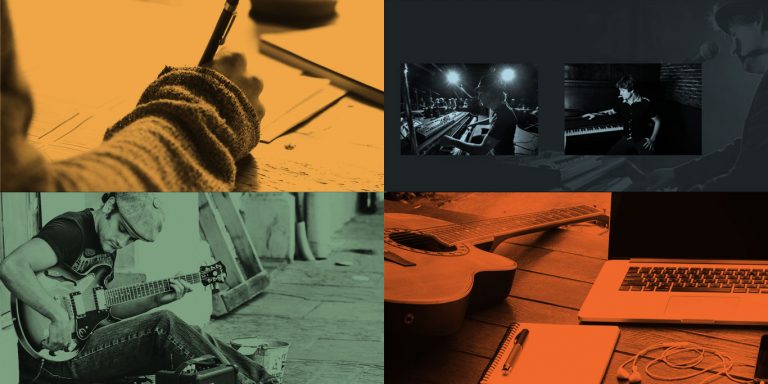
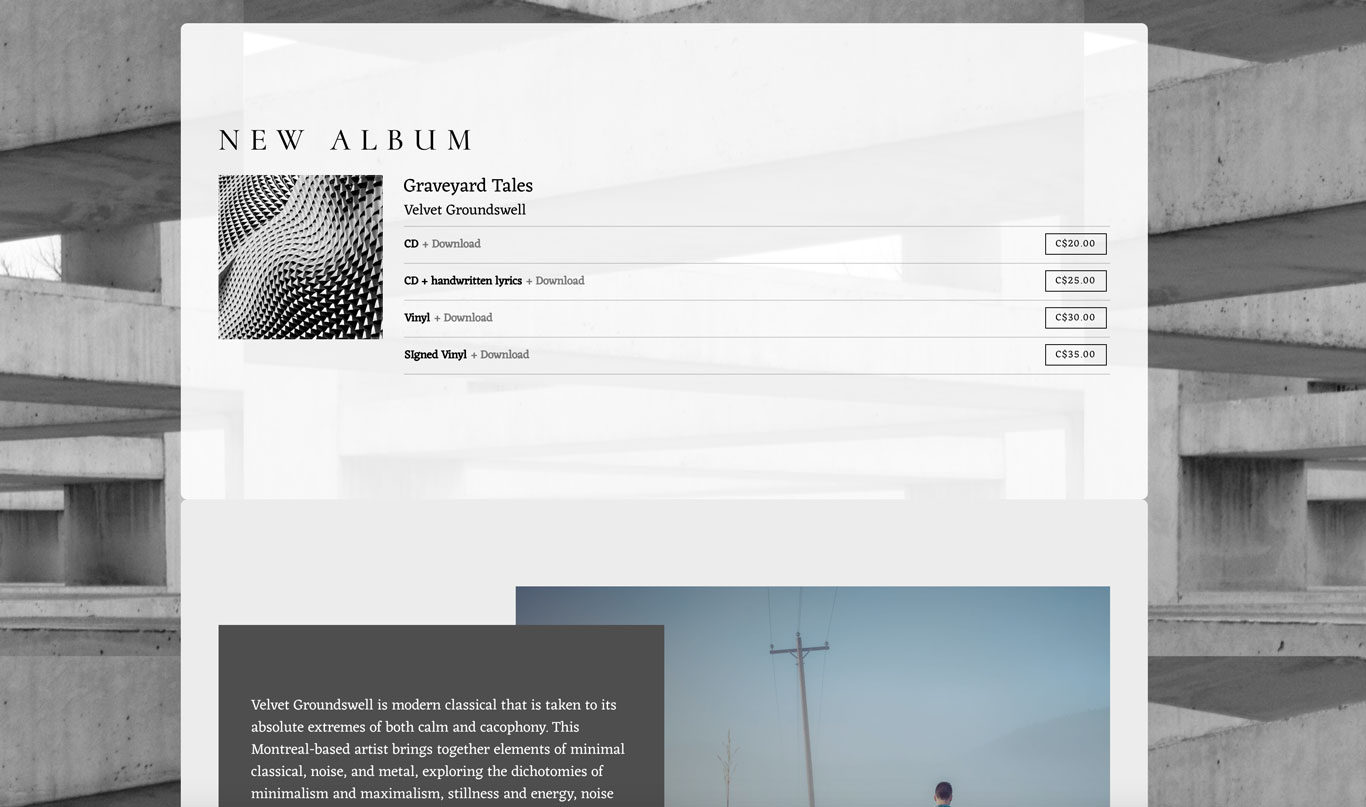
With the new Ghost Note template, you can set a background color which will sit under the header image and menu, and flow behind your content on the page.

To make things look a bit different, you can also upload a full page background image. With this image, you can set the positioning and alignment. You can also make it repeat (handy if you add a texture).  

Set the attachment to scroll with the page, for a long image behind your content. Or for a modern look, set it as fixed, and the image will stay in place as your content moves over it.

If you want your background image to peek through a bit, you can set the background color opacity per section.
Music website template content

Set your section styles

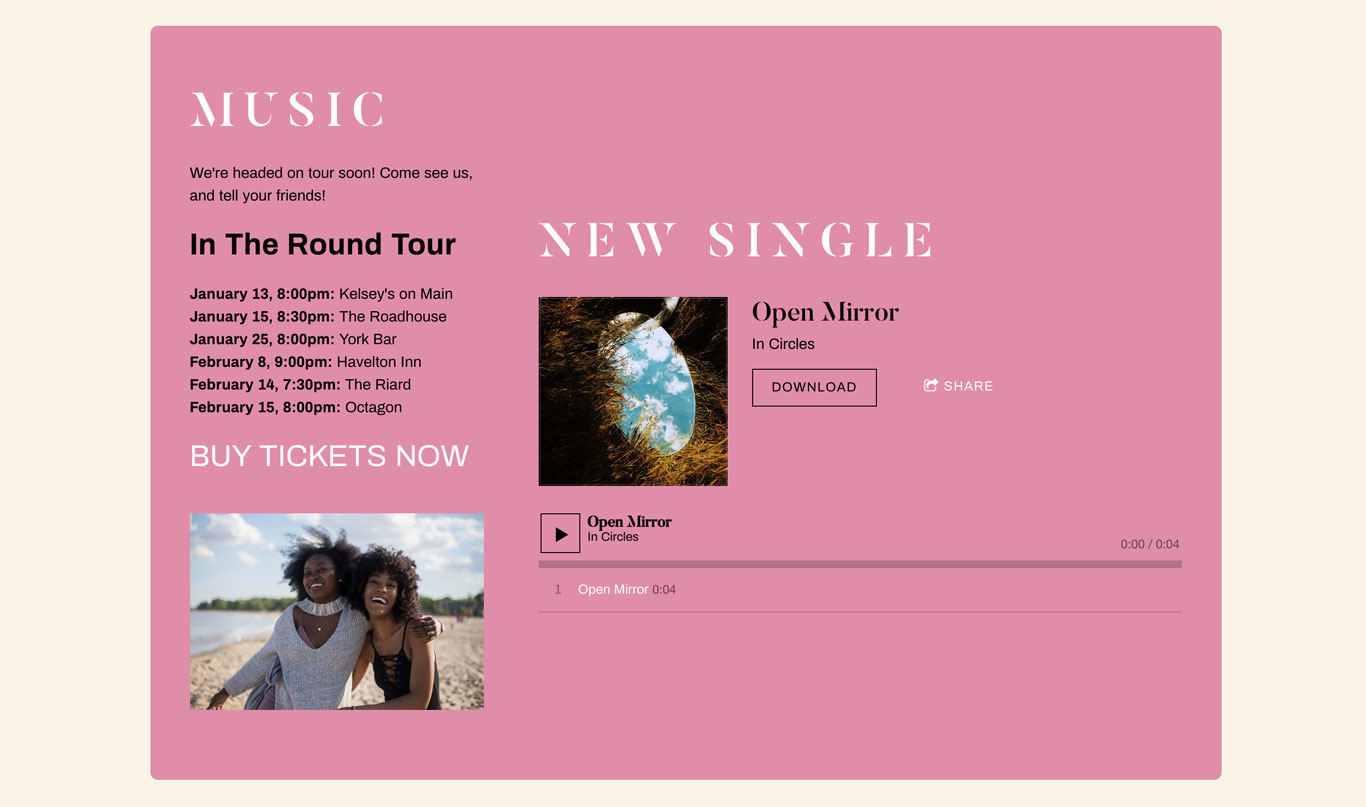
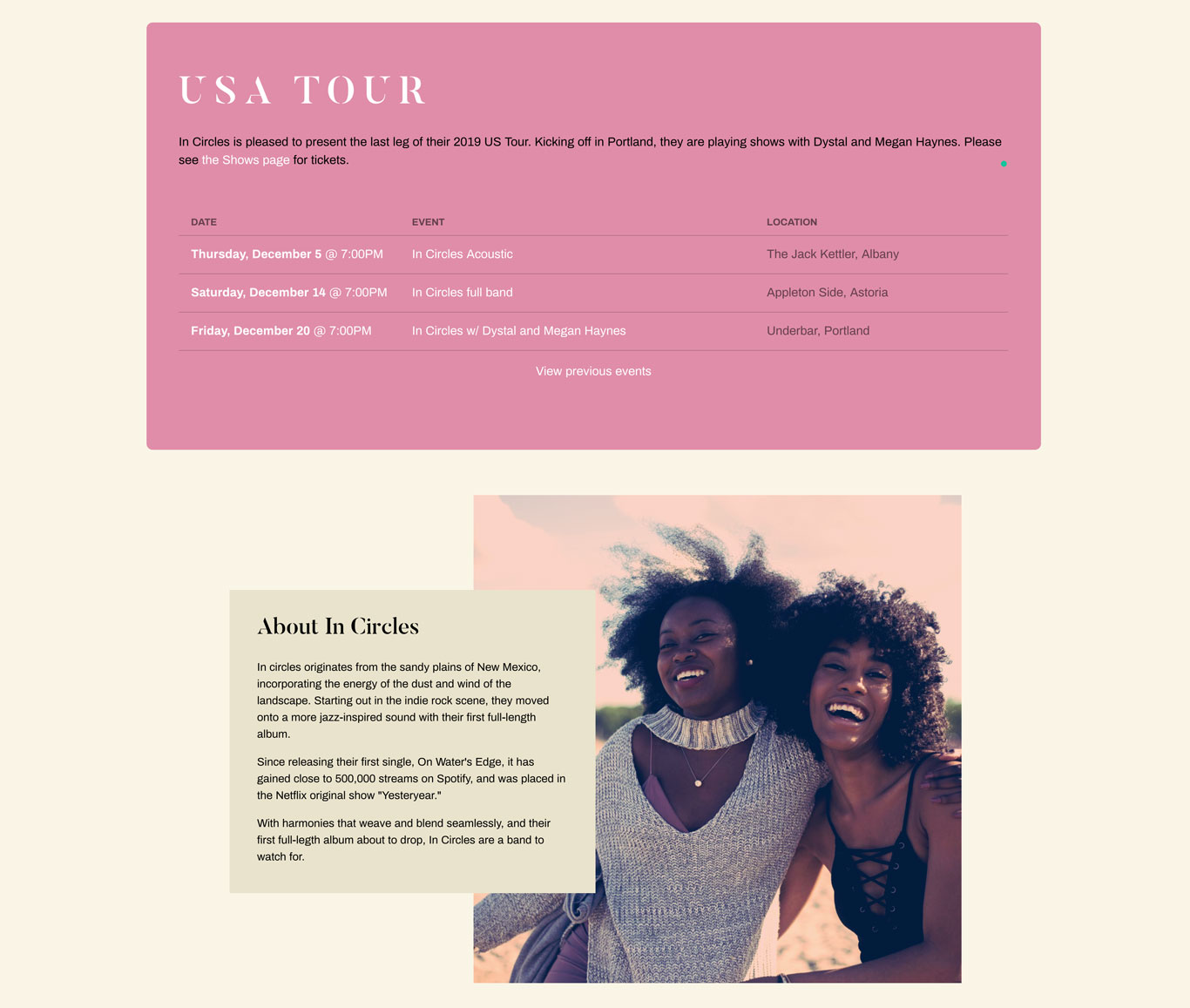
After you‘ve chosen your background color, you can set the section style, which will appear only as wide as your content area. Try a neutral background color and then a section background color that’ll stand out, like this cream and pink example.
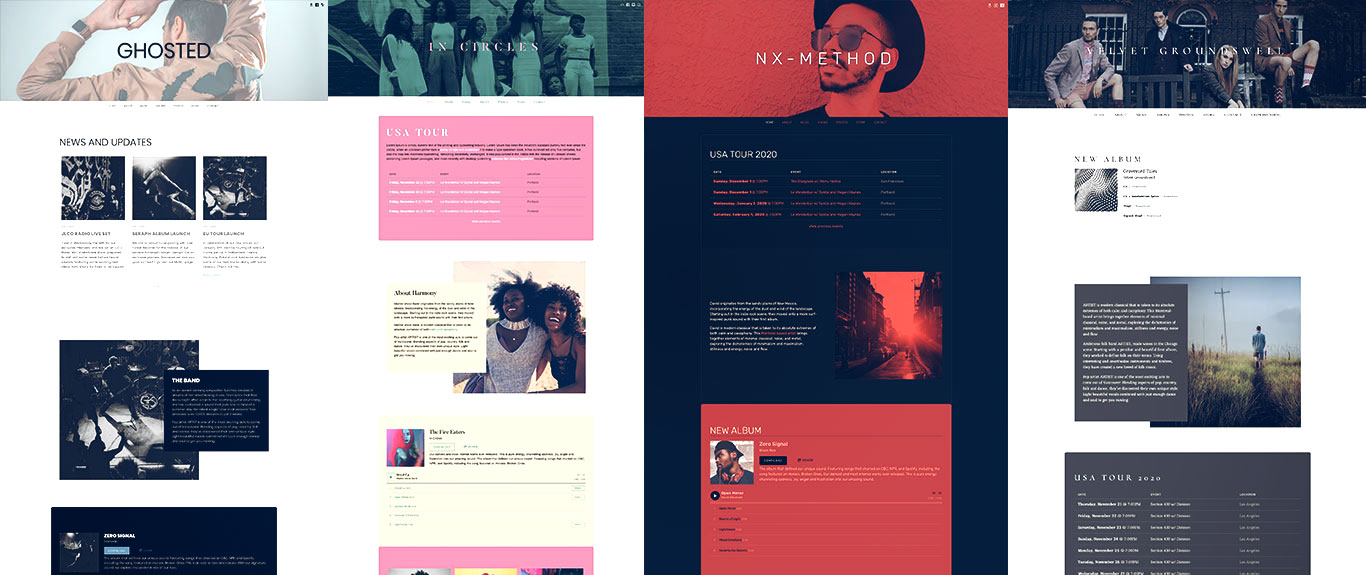
Music website template backgrounds

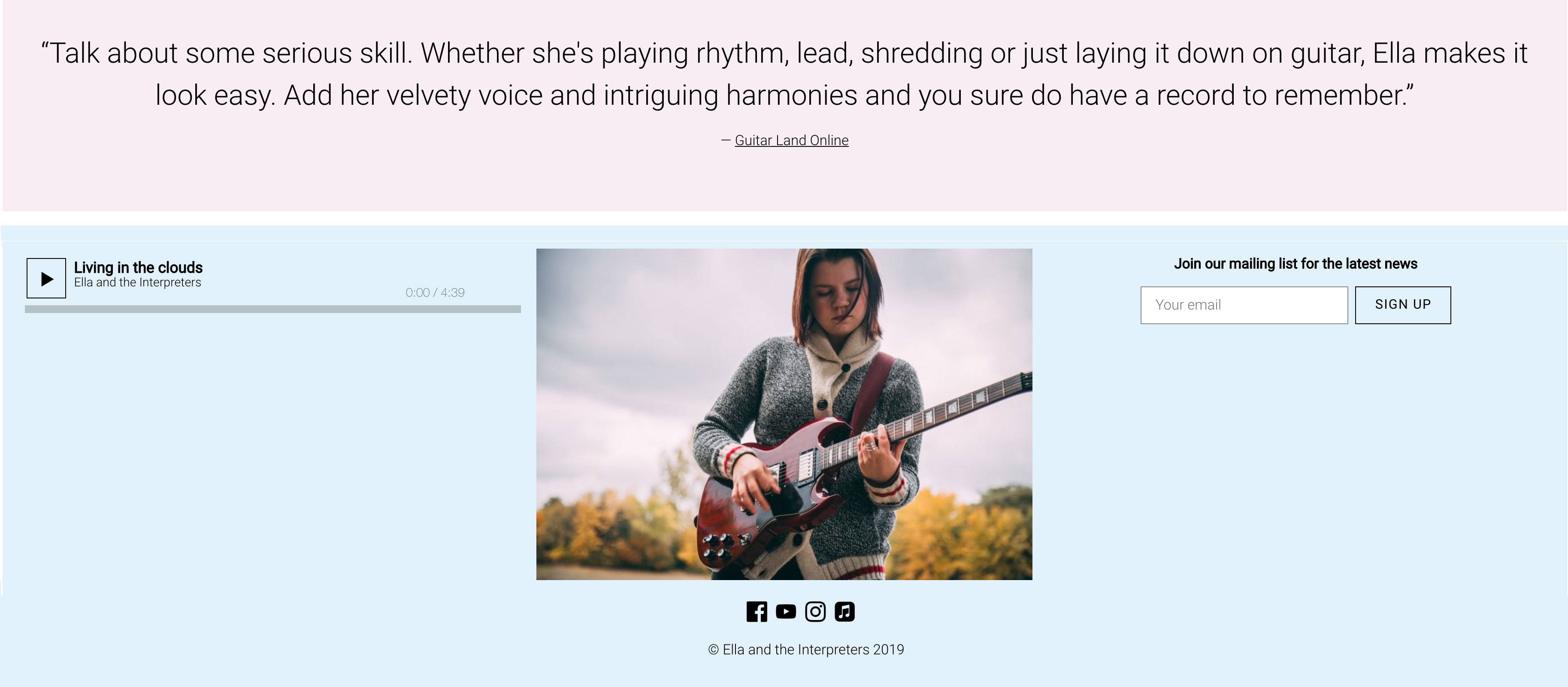
Create a mobile-friendly website with lots of room for your music and more with the Ghost Note template. Try Bandzoogle today!

Variations on a theme

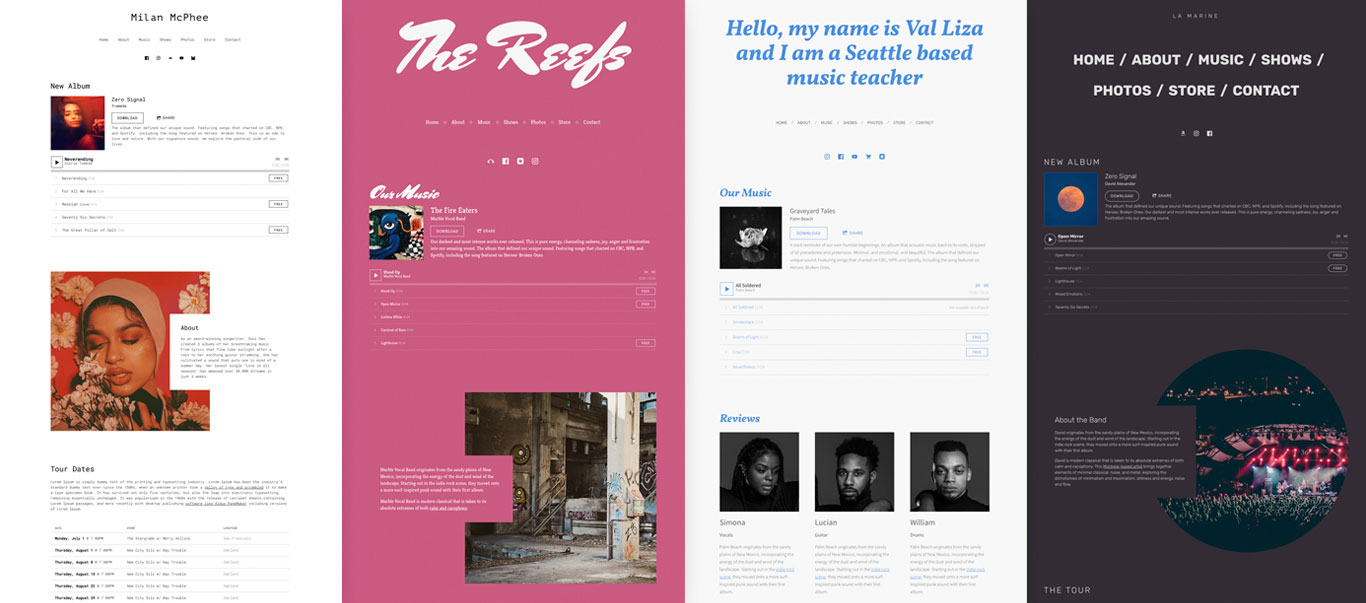
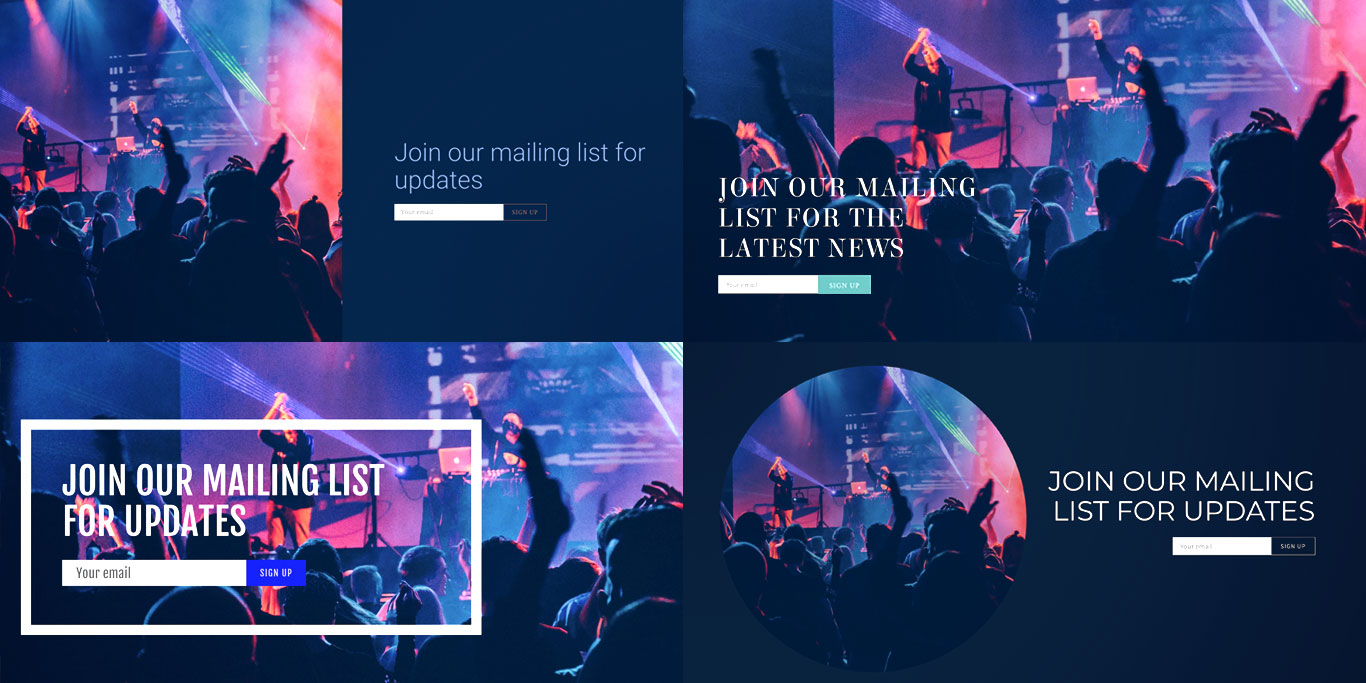
As usual, we have 4 different flavors to suit an assortment of genres and artists. 

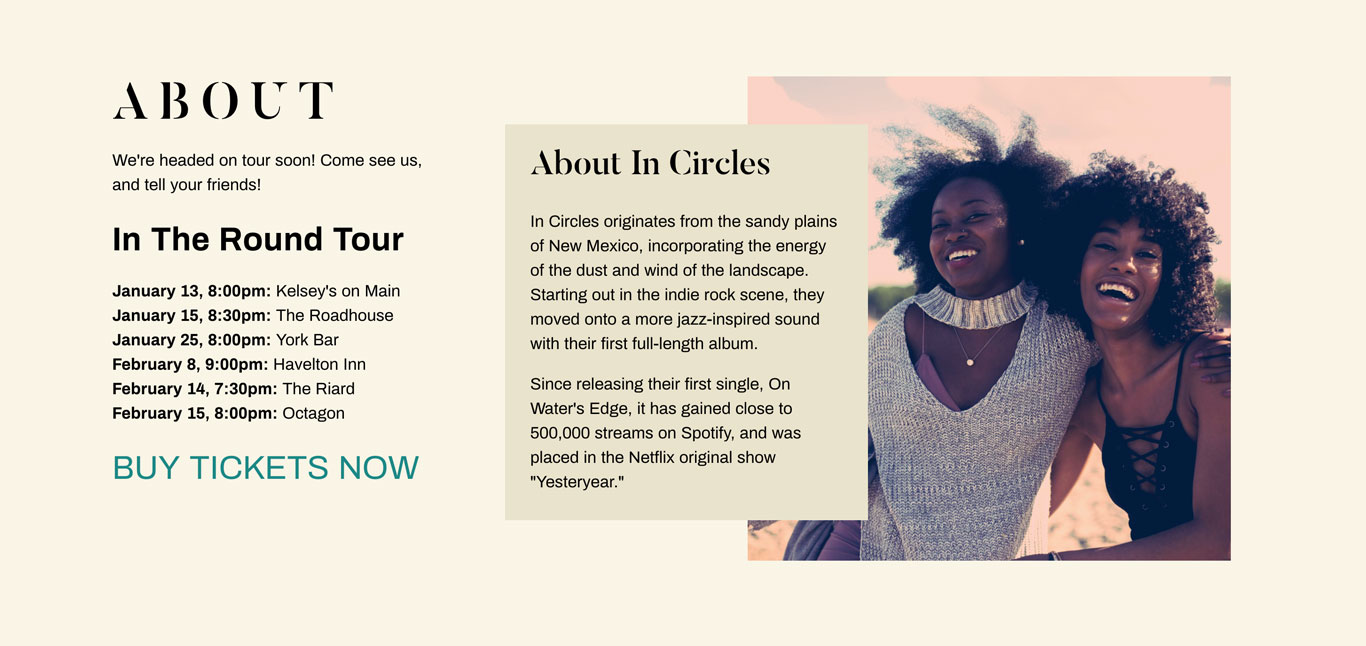
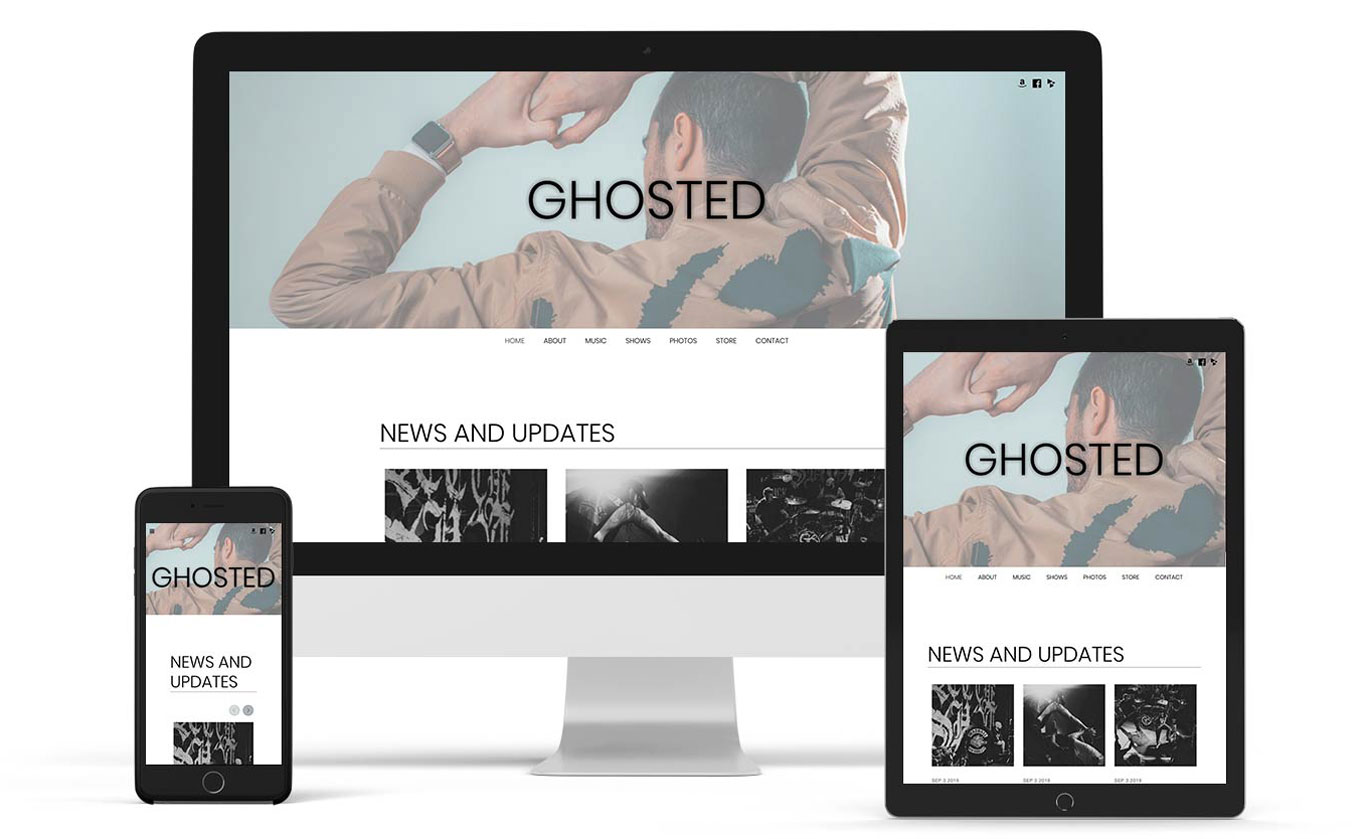
Our neutral variant features a palette of whites and soft grays, and uses a very clean (and currently trendy) geometric sans font. It’s a very flexible version that could be applicable to just about any genre, from soul to country music.
Neutral website template

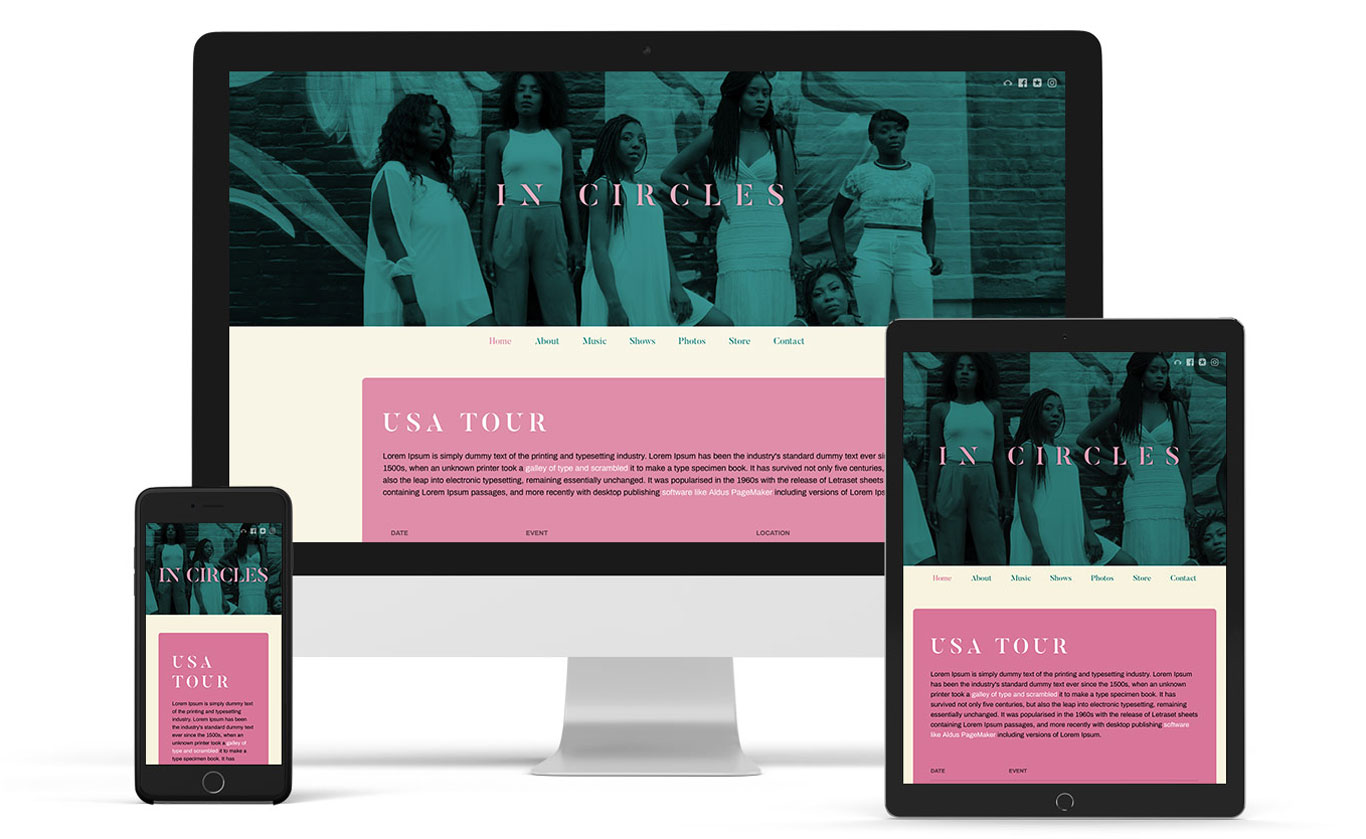
We dug deep into current color trends to arrive at the palette for our playful variant. The visually interesting stenciled serif font Butler really adds some uniqueness to the design. 

I think this is one of my personal favorite fonts on our platform at the moment. A great theme for pop, singer-songwriters or even soul and hip hop.
Playful band website template

The sombre variant really takes the art direction to heart with a super minimal palette of 2-3 colors. A bright coral red helps direct your website visitors attention to your buttons for playing your music, or signing up to your mailing list. The color also creates a cool monotone effect in the header image.
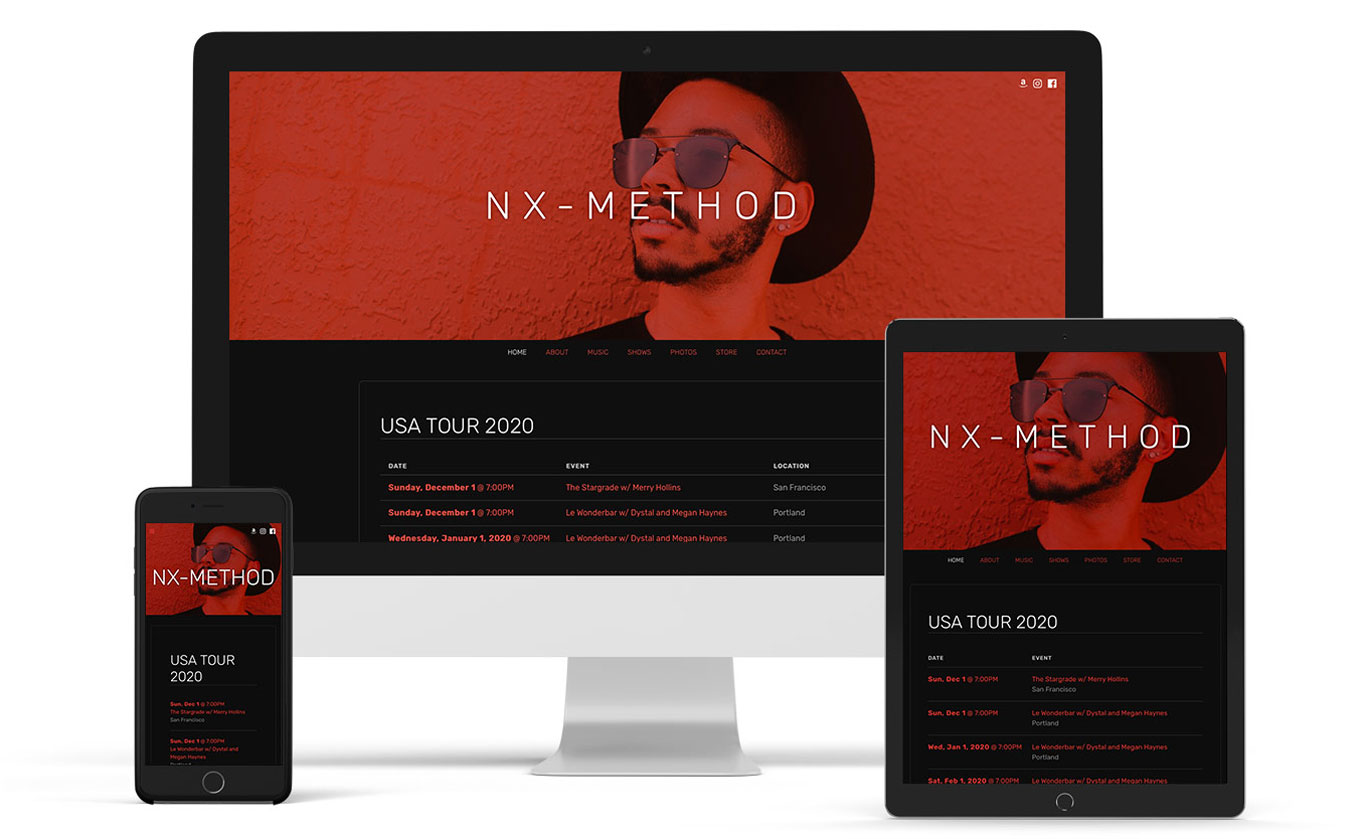
Sombre music website template

And finally, our elegant variant uses some extreme kerning to play up the classy Commorant serif type (inspired by the wordmark for the movie “The Favorite.”) 

It’s a great fit for classical and jazz musicians, with subtle style and lots of room for content.
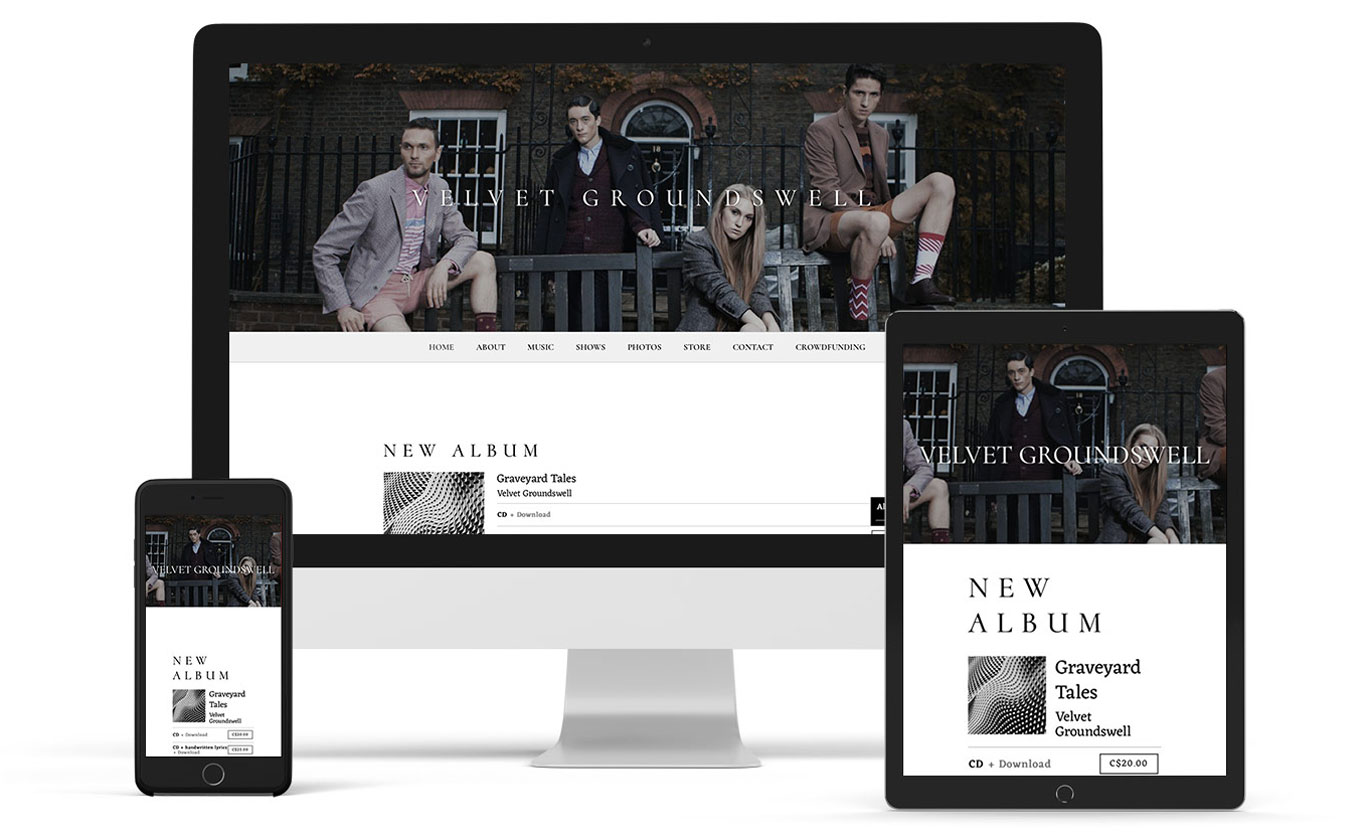
Elegant music website templateAs with all of our music website templates, you can try this one out in the Theme editor without it affecting your content or pages. It’s mobile-ready and will adapt to any device seamlessly. Customize your colors and fonts, set your background image, and you’re ready to showcase your music with Ghost Note.

New: Use multiple calendars on your music website

0

As a musician, you likely wear many hats. Are you a music teacher on the side? Running a record label? Or maybe you’re just looking to add show dates and rehearsal dates in different places.

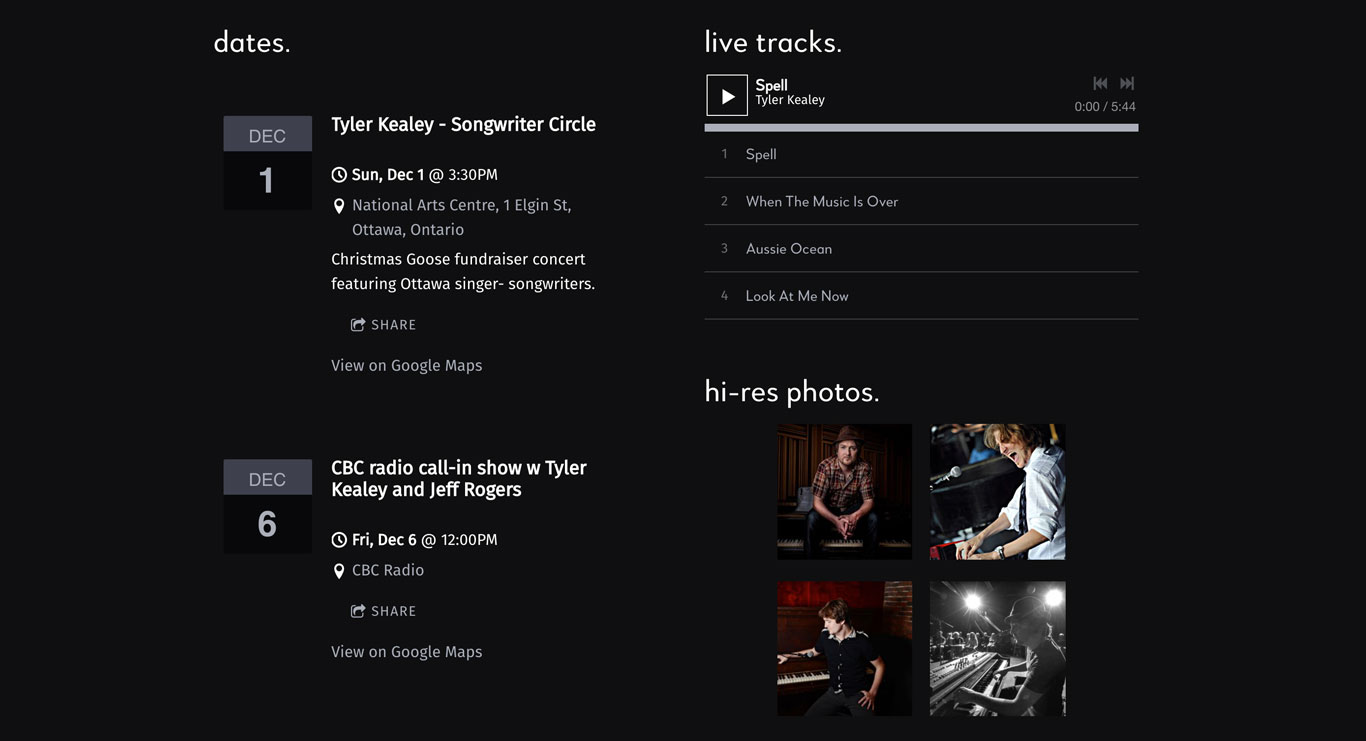
An update has been made to our events feature – now called the Calendar feature, which will allow you to add multiple, standalone calendars to your website.

This option has a ton of possible uses on your music website. Let’s take a look at some of them!

Local show list and touring show list

Add two calendars to your Shows page – one focusing on local shows, perhaps residency gigs, or smaller venues. Then add a second one that includes a specific upcoming tour that’s out of town. When your local fans go to find out where you’re playing, they can also help you spread the word about your tour dates with out-of-town friends.

Schedule dates just for the band

You want to be sure that your fans know where to come and see you play. Add a calendar feature for your visitors on one page. Then add a band rehearsal calendar on a password-protected page, so your group can stay on top of scheduling.

Multiple calendars for label artists

Build out a page for each artist on your record label, and include tour dates on their page. That way, fans will be able to browse their music, short bio, and grab tickets to an upcoming show in their area.

Teacher schedule and performance schedule

Many music teachers also juggle a performing schedule. Add a separate calendar for each aspect of your career. The student calendar could include workshops, recitals, and master classes, or just block out when you have teaching availability. 

Then be sure to add your own performance dates so that your students, and their parents, can come see you in action.

Add a calendar to your EPK page

Highlight important dates on your Electronic Press Kit page for potential booking agents or talent buyers. Add notes to the description explaining why it was a successful show for you (you sold out the venue, for example, or opened for a major artist at a festival).

Press kit page musician

Highlight your CD release 

As part of your album promotion strategy, add a calendar feature that showcases your upcoming CD release date. You could drive ticket sales to this page specifically, and add important information about the event. 

How to add the calendar feature

Now you’ve got an idea on how to use multiple calendar features. The steps to add a calendar feature to your website are pretty quick and painless. 

First, click Add Feature and choose the Calendar feature. Then place it on the page, either in a full-width section, or a column. Give your calendar a name (to be used internally), then click Add New Calendar. You’re ready to start adding events to your calendar. 

You can style your calendar in the table, list, carousel, or calendar display by clicking Options, to the left of your calendar.

If you were hoping to re-use your same calendar on more than one page, that’s an option as well! Just choose which calendar you’d like to use when adding the feature by clicking ‘use this calendar.’

We hope you find this update useful – we’d love to hear how you plan to use more than one calendar on your website!

Create a music website with multiple calendars for all of your shows and artists. Try Bandzoogle today!

Happy Holidays, Happy New Year, and Bandzoogle Support Hours

0
Adam Percy

The holidays are back! Time for a bit of ‘R and R’, family and friends, booking gigs, and more music in 2020 – whatever your plans, we hope that these next few weeks are full of good times and celebration of another great year gone by.

As 2019 closes, everyone here at Bandzoogle, from our developers to our support team, want to thank you, all of our members, for trusting us with your amazing websites. 

Like most of you, we’ll be taking a small break to enjoy the holiday season. There have been so many great things that have happened this year, and we have a lot planned for the new decade that we can’t wait to share with you!

Over the break, our holiday hours will be in effect starting December 24 through to January 1. We’ll be available during this time by email for any urgent issues. 

Support will be back in full action, both through email and our live chat first thing on January 2.

We hope you all have an amazing holiday season and we’re really excited for all the new things we have lined up for our members in 2020!!

– Team Bandzoogle

Build a stunning band website and store in minutes

  • Promote your music on your own unique website.
  • Sell music & merch directly to your fans. Keep 100%.
  • Grow your fan base with built-in marketing tools.
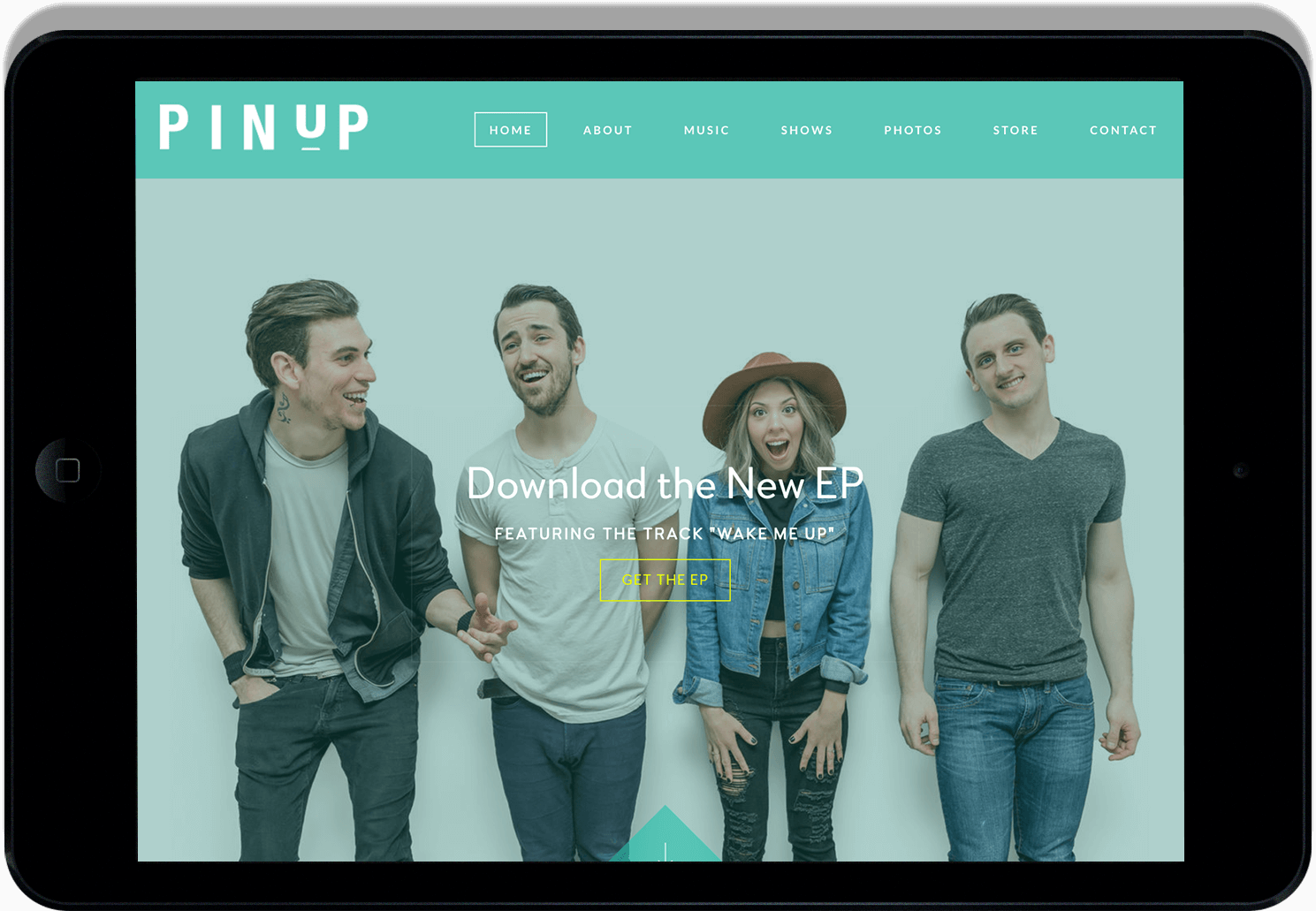
Band websites on an iPad

SCOTTY MCCREERY RELEASES AN AMAZING ACOUSTIC VERSION OF HIS RECENT No. 1 SINGLE, “This Is It”

0


Scotty McCreery released an incredible and touching acoustic version of his recent No. 1 single, “This Is It.”

“I wrote ‘This Is It’ for Gabi,” says Scotty. “It’s our song. I played it for her just an hour after I proposed. I sang it to her at our wedding. She’s who I see in my mind when I perform it on the road every night. Watching our love story become my second No. 1 hit is something Gabi and I will treasure always. I am so thankful to country radio and my fans who have stood with me from day one for making my dreams come true.”

Scotty said, “Ever since we released the original version of ‘This is It,’ I have had so many requests from fans for an acoustic version that they could play during their own proposals and weddings,” said Scotty. “It’s been very humbling to learn that a song I wrote for my wife Gabi and tells our story has gone on to become something special for thousands of couples. As a songwriter, I don’t know that it gets any better than that.”

Watch Scotty’s acoustic video for “This Is It” below.

Bandzoogle in 2019: More revenue streams for musicians

0

It’s an interesting time to be a musician, and this was reflected in the updates and features we released in 2019. Many of our new options included ways to support your music career by diversifying your revenue streams. This includes crowdfunding, subscriptions, and selling singles.

We also added a few updates to save you time, like sitewide features. And of course, we released several new modern, mobile-ready website templates..

Let’s take a look back at all of the new feature releases from this past year!

Subscriptions

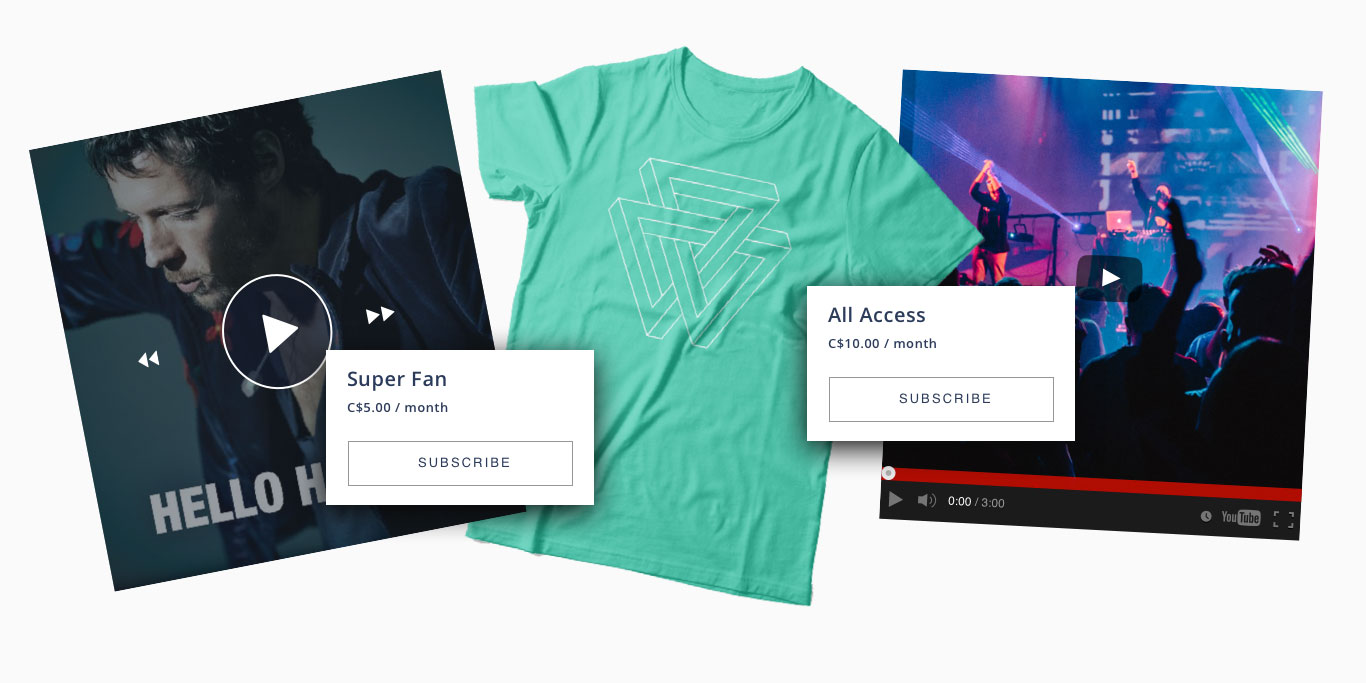
As a highly requested option, in 2019 we built a way to sell subscriptions directly to fans through your Bandzoogle website, commission-free!

Selling fan subscriptions is a great way to offer exclusive access to your biggest fans while also giving you a steady revenue stream. Many of you started adding subscriber pages and populating those with rewards to sell on multiple tiers.

Subscriptions for musicians

Crowdfunding

As another way to raise money for your music career, you can quickly create a crowdfunding campaign with our page template, created this year. You can take album pre-orders, bundle digital music with CDs or vinyl, and create custom merch bundles and experiences for your fans.

Single feature

A much-requested update, we added the option to sell a single from your website directly. Adding a track in a player with artwork attached makes your single easy to upload and ready to promote on its own.

Sitewide features

Update your website seamlessly across all pages by using a sitewide footer, or a sitewide text feature. Changes you make in one place will apply to the same sitewide feature on any other page, and is handy for a mailing list sign up form, site map links, sponsor logos, and more!

Maintenance mode

Want to set your website under construction quickly while you make updates? A toggle to set your entire site to maintenance mode was added this year. Switch it on, then reveal your website in full when it’s complete.

Multiple calendars

Another nice update added this year was the ability to add multiple calendars to your website. This is handy if you want to add a local show list and touring show list. Or, as a record label, you could build out a page for each artist on your record label, including tour dates.

New help section

It’s always been our goal to offer musicians the best customer support on the internet. In 2019 we introduced a brand new, completely rewritten help section with articles on every feature we offer. You can see it in action at: https://bandzoogle.com/help

New website templates

Each year, we add new templates to increase the flexibility of the way your website can look, while keeping in mind the current design trends. 2019 was no exception, with these modern website templates offering creative options for your content.

Ghost Note: This template is felt rather than heard, with a simple backdrop that’s perfect for either a clean white canvas, or sections within your content area.

Music website template Ghost Note

Filter: Featuring a stylish square image and a customizable call-to-action, Filter is a simple yet elegant template for any genre of musician.

Frontier: Put your band imagery front and center with this stylish template, complete with full-width features.

Tonic: Super modern and clean, the Tonic template has different sizing options in the title and menu. No main image needed for this one!

Music website template Tonic

Marquee: Featuring a clear call-to-action and customizable menu options, Marquee also shows off sections well.

Pulse: The beauty of this stunning template lies in the full-width header area plus stylish loading animations.

Limelight: A creative option for any band or musician, Limelight offers different shapes in the header area, showcasing your main image in a fun way.

Each theme comes with 4 variations and a default color palette selected by our designers, making it easy to grab a template and go.

Finally, a few miscellaneous feature updates rounded out the year here at Bandzoogle:

Mailing list sign up in the call-to-action header: Build up that mailing list through your website by adding a signup form directly on your Home page, in the call-to-action header area.

Music website call-to-action

Fonts and more fonts: We added tons of new fonts in 2019, giving you loads of choices to customize your content text, or sections titles.

Additional My Sites icons: We updated the My Sites images, and added quite a few services (suggested by you!) to the list. Plus, we added several generic icons, from a podcasting icon to a shopping cart, to keep all bases covered.

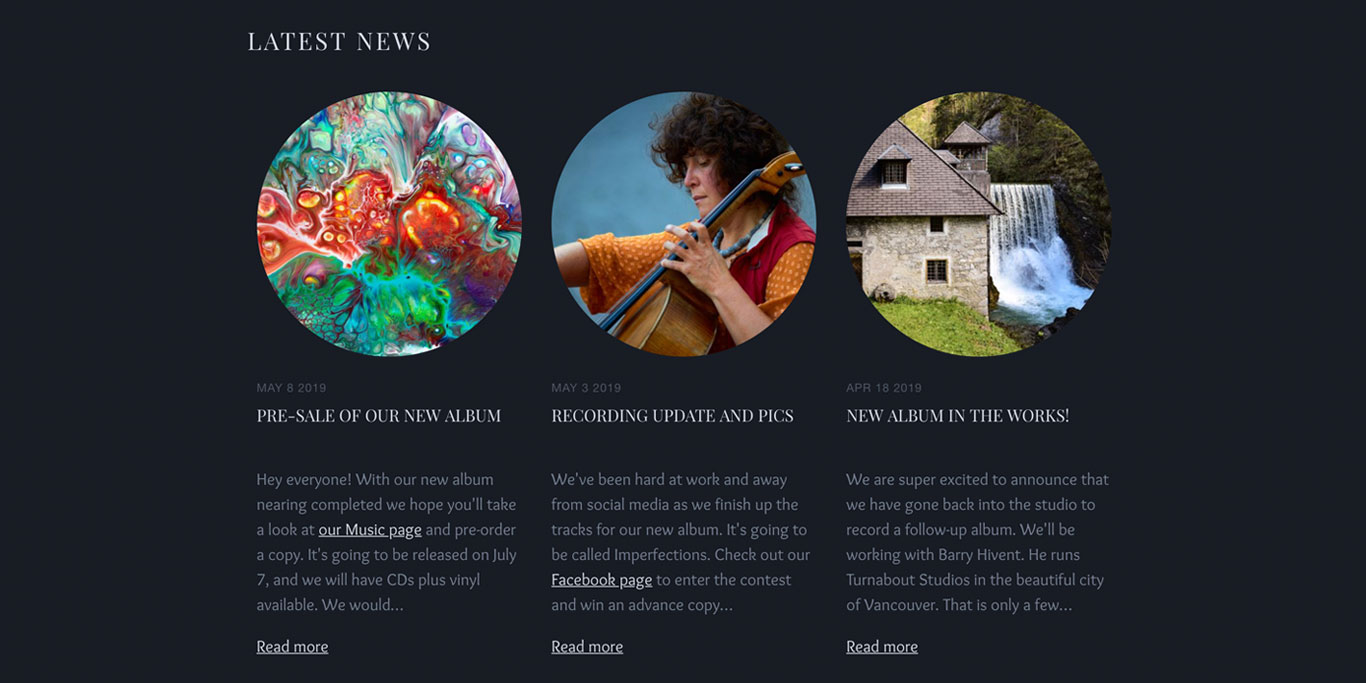
Blog image ratios: Make your blog look beautiful with images in circles, squares, or rectangles, inviting your readers to dive into the full post.

Music website blog image ratios

Redesigned image picker: We redesigned our image picker to be faster, sleeker, and easier to use. Choose from small, medium, or large thumbnails to view and add images. Plus, we added a bunch of new stock images.

Additional 301 redirect options: Rather than wait until Google reindexes your site, adding a 301 redirect will make sure that your links keep working in search results. Now you can redirect your old site link to any url, a page on your website, or a file.

CEO recognition

Also of note, our amazing CEO, Stacey Bedford, was named to Billboard Magazine’s 2019 Digital Power Players list. This is a well-deserved accolade for a dedicated leader who truly cares about her team.

As always, we hope you can make good use of the new features and templates released this year. From diversifying revenue streams to releasing singles and more, we truly hope that 2020 is an amazing year for all of you musicians out there!

The most read posts from the Bandzoogle Blog in 2019

0

Each and every week, we publish posts to our blog that we hope will help move your music career forward. 

So before we break for the holidays, here’s a look back at the most popular posts from the Bandzoogle Blog in 2019:

How to Write an Effective Musician Bio (with examples!)

Although you may be great at composing melodies and lyrics, it can be hard to write about yourself. Here are some tips to help you craft an effective bio, along with a few great examples for inspiration: Read the post

The 8 things that should be in every band’s electronic press kit

To make it easy for media and industry to find the info they need, the best thing to do is create an Electronic Press Kit (EPK) section on your website. Here are the 8 essential things that should be in every musician’s electronic press kit.

13 ways to promote your music online

With so many ways to promote your music online, how do you decide which platforms are worth your time? To help you get started, this post highlights the top platforms where your current and potential new fans are most likely to spend their time online: Read the post

Website Design Inspiration: Best Electronic Press Kits (EPKs)

For some inspiration when building an electronic press kit page on your website, check out these stunning EPK examples.

26 ways musicians can make money

Musicians have more control over their careers than ever before. But one of the biggest challenges facing musicians is making money. 

This year we updated one of the most popular posts ever on our blog with new revenue stream ideas, and new resources to help you monetize your music. Read the post

How to easily build an EPK using a template

Creating an electronic press kit to showcase your music has never been more important. It’s also never been easier than with our built-in EPK template.

To find out how to create an organized and attractive EPK for your music that will impress media and bookers alike, read this post on how to use Bandzoogle’s EPK template

Catch the attention of industry & media with a professional digital press kit integrated onto your own Bandzoogle website in minutes. Sign up free now!

Funding for musicians: Music grants in the USA

There are lots of different ways musicians can make money, but one source of funding for music projects that’s often overlooked is grants.

Here are some grant programs that provide financial assistance for music projects in the United States: Music grants in the USA


We hope that in 2019 our blog sparked some new ideas and helped you along your journey as a working musician. So happy holidays, and look out for new blog content starting again in January, 2020. 

Why you never get an email response

0

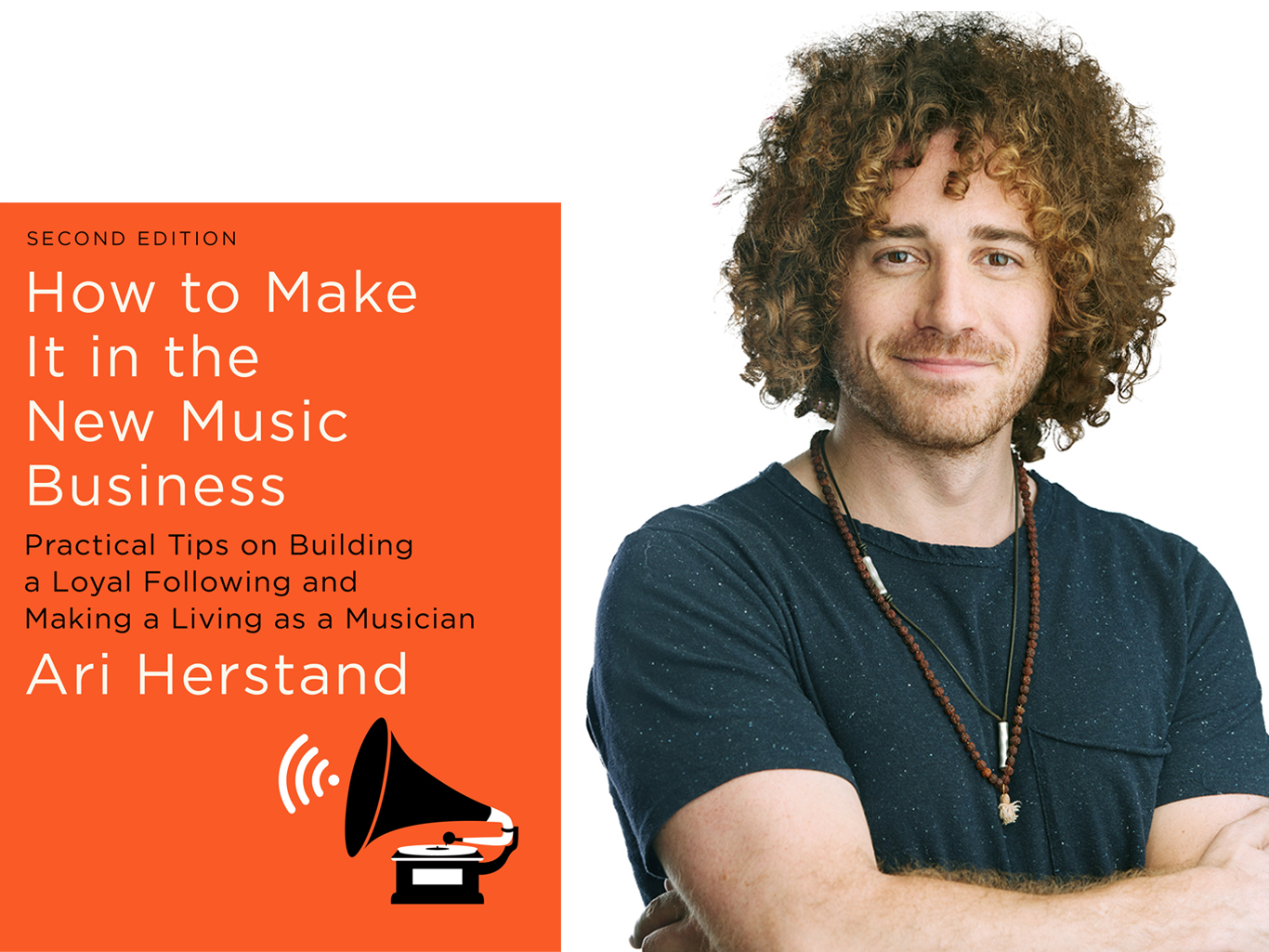
This is an excerpt from Ari Herstand’s book How to Make It in the New Music Business (second edition).

We’ve all been there. You’re attempting to manage your business, but one extremely necessary party isn’t responding to your emails.

I know this can be awfully frustrating when you’re contacting clubs for potential shows, music supervisors for placement, other musicians for favors, press for reviews, or festivals for booking and no one is getting back to you. So what do you do?

Follow up. The key to this industry is polite persistence.

I’ve gotten nearly everyone to reply to my email through this method (even rock stars and big-time managers). If after three beautifully crafted emails they still haven’t gotten back to you, don’t get discouraged. 

They’ll scan your email each time—if not just the subject line or sender field—and each time they’ll make a mental note (always Reply from the original email so they can see the thread and the subject line says “Re:_____”). If they see a seventh email from you with each one more polite than the last, they’ll eventually write you back.

If people don’t respond to your email, it isn’t because they hate you. It isn’t because your music sucks. It isn’t because they found out you slept with their ex (well… maybe).

It’s because they just don’t have the time. Right. Now.

I know it’s tough to say the same thing over and over again, but find a way to be just as kind each time with different wording. And above all, keep the emails short. One of the reasons people don’t respond is because they open your email and see it’s a mini-novel. No one has the time for that. 

And remember, keep your initial email under eight sentences. “But Ari, I just spent three weeks crafting the most poetic, perfectly worded essay explaining why there has never been a band more ideal than us to play this club.” Don’t care. Delete. Rewrite. Eight sentences! No more!

It’s also about timing and luck. Some days they’re putting out fires, and other times they’re staring aimlessly at their computer screen when your email comes in and reply right away.

Also, to help curb your neuroses, install the email add-on HubSpot to see who has, in fact, opened your email (syncs with Gmail, Outlook and Apple Mail).

You’ll at least know if the other party was interested enough to even give it an open. If not, maybe you should update your subject line (but still reply from the original email with the “Re:___ .” But even if they do open it (as noted above), they may just not have the time to respond or deal with it. So, again, follow up.

Once you do get an email response, you should reply right away. Do not make them wait (like they made you wait). This is not a dating game via text. If they’ve finally taken the time to devote the mental and emotional effort it takes to fully concentrate on your issue in this moment, every passing minute from when they hit Send to when you reply, they will increasingly lose interest. And if you wait too long to reply to their response, you may have to play the follow-up game all over again.

On one occasion, I had been trying to get into a club (that will go unnamed) for months (years). One day I finally got a response. I immediately replied back, and then the booker immediately responded back to me. And we basically had about 20 back and forths within the span of 10 minutes. I was top of mind, so it was super easy to just continue the conversation. Show booked, negotiated, locked down (with some jokes thrown in for good measure), in 10 minutes (+ 3 years).

Ari Herstand is the author of How To Make it in the New Music Business (second edition), a Los Angeles based musician and the founder of the music business education company and blog Ari’s Take. Follow him on Instagram @ariherstand.

Ari Herstand BookStart building your fanbase so you can catch the attention of bookers. Bandzoogle websites have a built-in mailing list and all the tools you need to step up. Try it today!

New: Update your music website with sitewide features

0


As a musician, your time is precious. Pushing out all of the creative thoughts and turning to the business side can be exhausting with a full plate of writing, rehearsing, and performing. 

We’ve made a few updates to our features that we hope will save you some time. When you make an update in one place, the content can be re-used in another. These new options include a site-wide footer feature, and a site-wide sidebar option.

Sitewide footer with features

Create a consistent look at the bottom of your website with a footer area. You can add features directly into the footer, and they will appear on every page. 

The site-wide footer section can include different features such as text, a contact form, or social media icons. It can be set to use multiple columns and styled to match your website’s sections.

On a songwriter website try adding a new track, your social media icons, and a mailing list signup form. That way, these important features are easy for a visitor to find quickly while they browse the rest of your content.

Sitewide footr feature

If you’ve got sponsors to thank, or grant organizations to acknowledge, this site-wide footer is the perfect place to add logos.

As a music teacher, you could add your contact information to each page of your website, along with any important upcoming dates, and a map to your studio.

Sitewide text feature

Speed up adding text to your pages by re-using a text feature. Add a text feature to any page, and choose if you want to start fresh, or use a previous text feature. 

Updates you make in one will apply to the same version on any other page. So if you have a short band bio on your homepage, and press kit page, updating that with new accolades will be a breeze!

If you’re going on tour soon, add the same site-wide text feature to multiple pages, to keep it top of mind with your website visitors.

Sidebar feature

You can choose which pages to add the sitewide text feature to, and it can take on different styles depending on where you place it. 

The layout is adjustable on a case by case basis too. You could have it in a skinny column on all pages, or set it to take up a half column on a page. It can sit on the left, center, or right side.

Sidebar feature tour dates

When you go to add the sitewide text feature to a page, just choose to create a new one, or re-use one that you’ve already made. You can have as many pre-written text features as you’d like. 

Hopefully these re-usable options will allow you to carve out more time for other things, like redesigning your website, or recording new music. We can’t wait to see how you use them to create a professional look for your band!

Create a mobile-friendly music website that’s easy to update in minutes. Build a website with Bandzoogle today.

The Flaming Lips Announce West Coast Tour Dates 2020

0
The Flaming Lips are going on a West Coast tour next year, starting in Spokane, Washington on April 14th. The next day, April 15th, the band will hit up Montana, Denver, Los Angeles, San Francisco, and Vancouver. The tickets for this tour will go on sale Dec. 13 @ 10am CST, and you can purchase them here.

The Flaming Lips 2020 Tour Dates

April 14 Spokane, WA Fox Theatre April 15 Missoula, MT The Wilma June 12 Denver, CO Mission Ballroom June 17 Los Angeles, CA The Wiltern June 18 San Francisco, CA The Warfield Theatre June 21 Vancouver, BC The Commodore Ballroom

Dancing on The Blue Star: A Dallas Cowboys Cheerleader’s Holiday Dream

0

Thanksgiving… This word originates all sorts of memories: family, turkey, pie, and football.  Not just any football, but Dallas Cowboys Football is one of the most famous Thanksgiving traditions we have in America.  It’s no wonder why the Dallas Cowboys are America’s team, but America’s Sweethearts are the icing on the cake—or should we say pie! Who are America’s Sweethearts, and what makes them the best?  The Dallas Cowboys Cheerleaders, the Ultimate Cheerleaders in the world, have changed Thanksgiving football forever. Kalyssa Alynn was a Dallas Cowboys Cheerleader and will share an inside look of everything that occurs on each Game Day as a Dallas Cowboys Cheerleader.  Kalyssa practices for up to 4 hours each day during the week to practice all of the routines and work on coordination needed for Game Day.

The Dallas Cowboys Thanksgiving football game has a kickoff at 3:30.  Kalyssa and the rest of the Cheerleaders were required to meet at the official Cowboys training facility in Frisco, The Star, at 10am.  Now, this is not rolling out of bed and showing up in sweats – this is full make-up, hair done, and looking incredibly beautiful. The entire Cheerleader Squad boards a luxury bus and rides together every game to the AT&T Stadium in Arlington, Texas.   Kalyssa heads directly into a special locker room that is just for the Cheerleaders. At this point, Kalyssa was required to become game and TV camera ready, which means that “Dallas Cowboys Cheerleaders look” for make-up and hair, Big and Bold.

Kalyssa now would get into the cheerleader uniform, not the game uniform, but the practice uniform and even practice white boots.  Kalyssa has 2 pairs of boots-one for practice and one for the Game. The idea was that the Game Day Boots and Game Day Uniform had to look perfect and brand new every week.  It was now time to start the Pre-game run-through and practice every detail and possible moments that could occur during the game. This practice was done on the field and was done before the fans arrived, or even most of the players.  During this 2 hour practice, the entire squad would practice the following: iconic tunnel entrance, the famous walk across the field right before kickoff, triangle routine formation, kickline with jump split, and end of quarter dance routines performed on all four corners of the field.   Every detail would be practiced until it was perfect. Kalyssa was on the end of the kickline, this means that her performance could not hide in the middle of the line, most people would focus on the Cheerleader on the end of the line, so this was an extra important responsibility and pressure for her.

After the Pregame Practice was completed, the Squad would now head back to the locker room where there was now about 2 hours before kickoff.  It was now time to change into the Game Day uniform, the white shorts that match the white vest-both with the blue stars, the royal blue blouse with diamond lapels, the silver belt buckle and don’t forget the famous white boots that finish off the most famous Cheerleaders in the world.  Kalyssa’s make-up and hair were done again for the 3rd time for the day. Every detail was required to be perfect. It was now time for each individual Cheerleader to prepare themselves for the first performance of many in front of 105,000 fans at the stadium plus millions watching on TV. This was the time that Kalyssa would stretch and many of the girls would do individual dance walk-throughs in their head to mentally get ready for Game Time.

Now, The Dallas Cowboys Cheerleaders, worldly known as America’s Sweethearts, would head to the player’s entrance tunnels and wait for the cue to enter the Field.  It was time for one last deep breath, then the sound of “Thunderstruck” the song fills the entire stadium. Kalyssa and the rest of the Squad gracefully dance with power onto the field and it’s time for Kick-Off.  Go Cowboys!

Email: aly.bookings@gmail.com